Lesson
Importing Legacy End-user Data
If you have legacy end-user data from a previous marketing tool, you may want to move that data into the Braze dashboard so that you can continue to engage those customers. If those tools allow you to export a CSV (comma-separated values) file, you can then import that data into Braze.
You should carefully read over the CSV file specifications and update the headers of the file you are importing to conform to those specifications prior to import. You may also find the downloadable CSV template helpful for ensuring that your data is properly configured.
User Import with CSV can only import a limited quantity of data and cannot be automated. If you are importing a large quantity of user data, we recommend considering using Cloud Data Ingestion or our REST API.
User Import creates and updates user profiles, and can also be used to create segments.
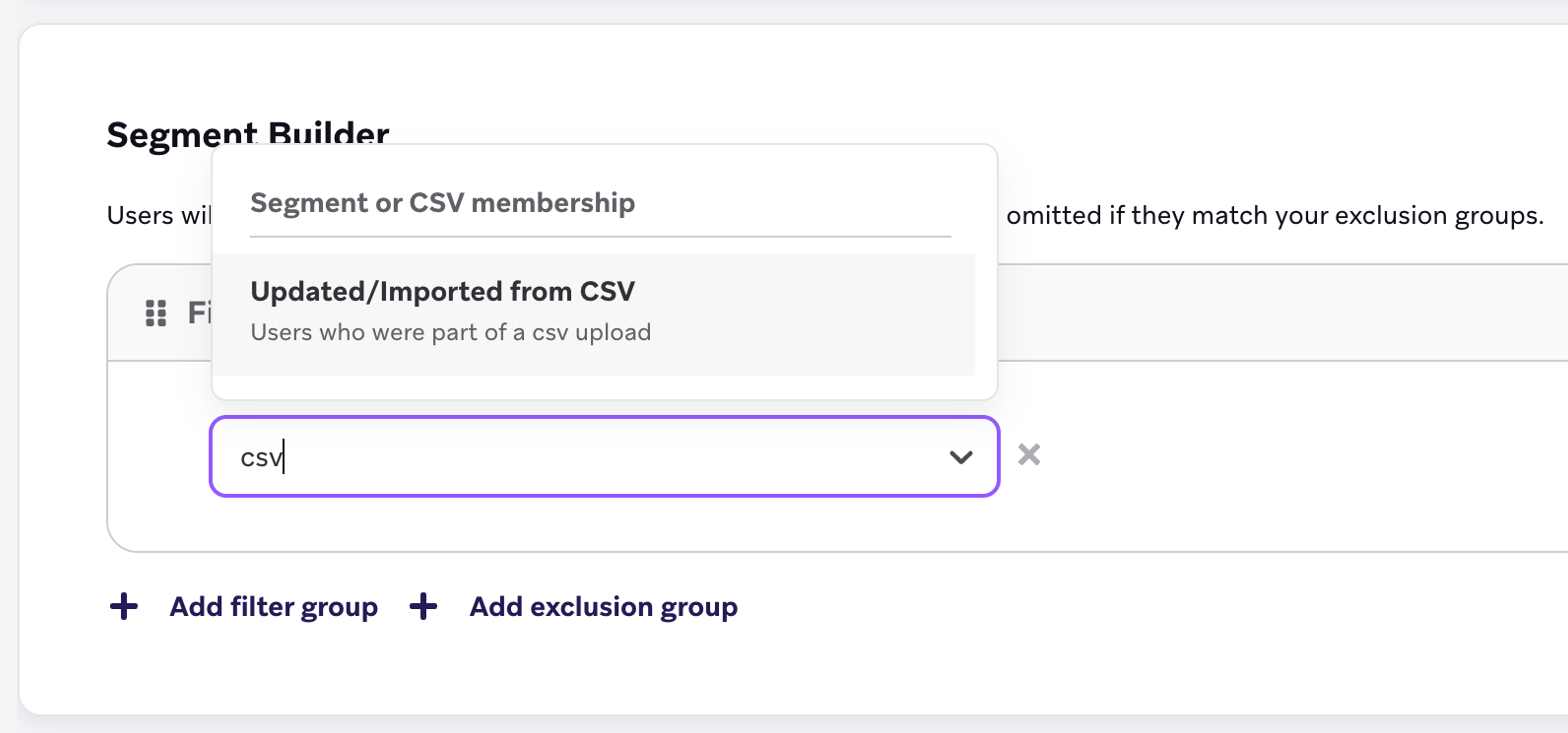
Import Users from CSV files
In the following video, learn how to import end-users from a CSV file.