Lesson
Create a Campaign
What is a Campaign?
You can send messages in two ways with Braze: the campaigns tool or Canvases.
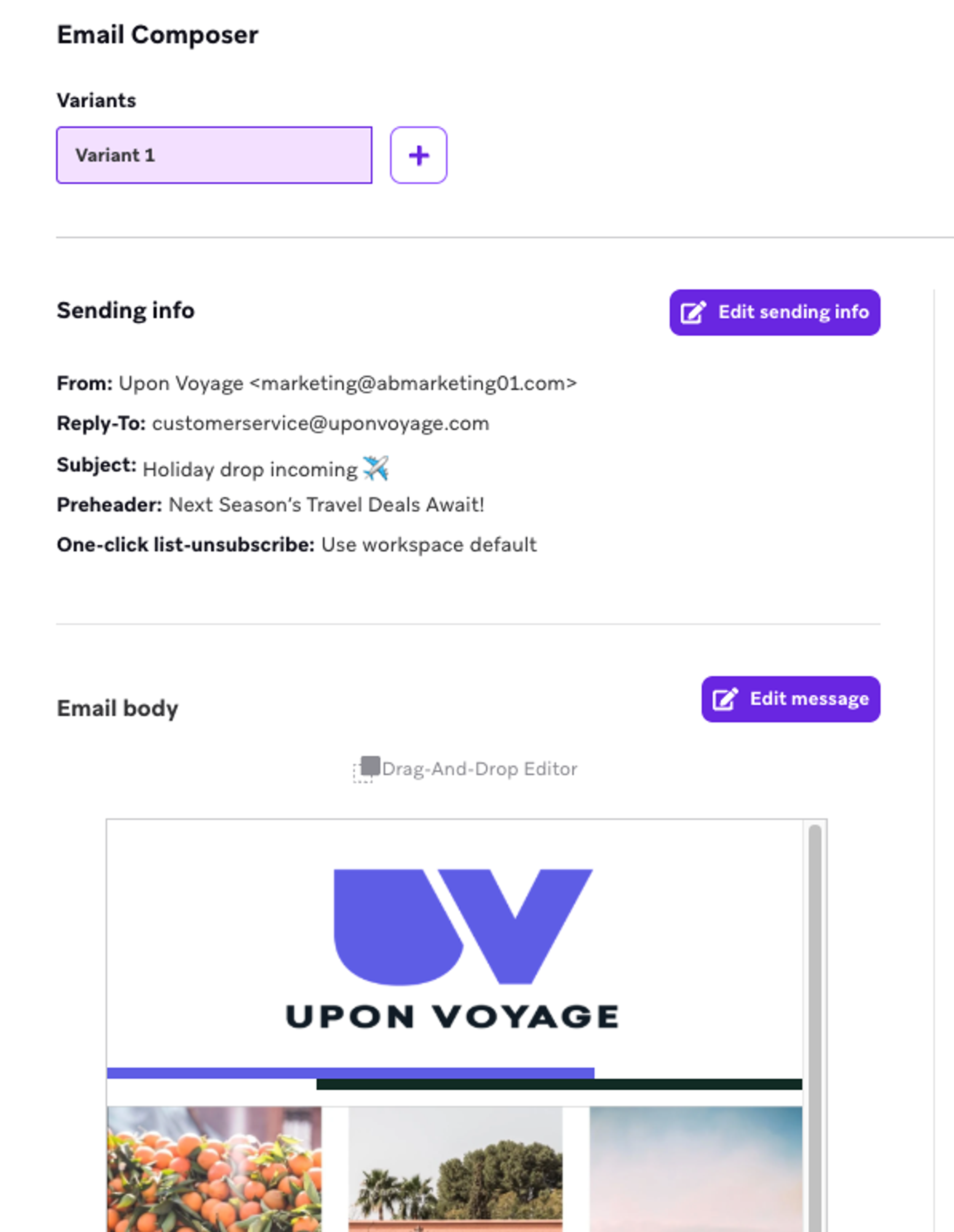
- Campaigns: Single message engagements. For example, a newsletter, sale announcement, or order confirmation. You can send campaigns as one-time messages, regularly recurring messages, or in response to user actions.
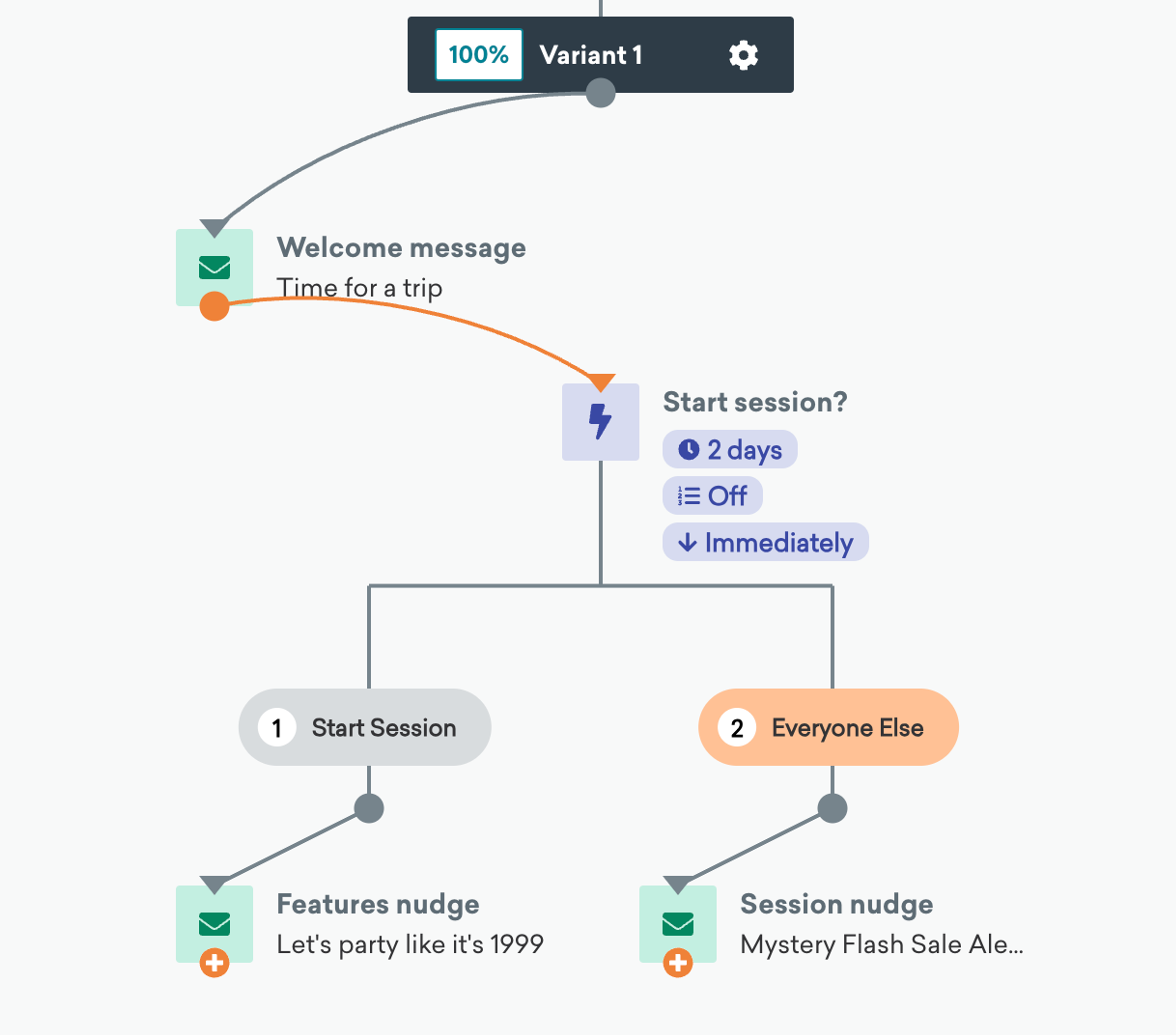
- Canvases: Enable you to orchestrate an entire customer journey. For example, a series of cross-channel messages for an abandoned cart experience. A Canvas can include any number of messages, along with many different kinds of branching decisions.
You can use both campaigns and Canvases to send messages on any Braze-supported channel.
To learn more about Canvas, see our extensive Canvas docs, take the courses in our Journey Orchestration with Canvas Flow learning path, or join our live trainings on Experience Orchestration with Canvas Flow.
How to Setup a Campaign
The campaign setup tool helps you send the right message, to the right audience, at the right time. Watch the video below for a step-by-step walkthrough of the campaign setup process.
Campaign Configuration Details
Now that you're familiar with campaign setup in Braze, learn more about each of the configuration steps by clicking through the accordion below.
Before you start composing a new campaign, you must first select the channel for your message. This includes, email, in-app message, or another Braze-supported channel. You can send campaigns to either a single channel, or to multiple channels.
- Single-channel campaigns allow you to send and test up to eight variants of your message.
- Multi-channel campaigns let you send messages on all available channels. This can also be done in Canvas, but campaigns make it simple to send all the messages with the same sending options and timing.
In-app messages are only sent using single-channel campaigns, due to how they're sent and delivered. Learn more in our docs on in-app messages.
You can speed up campaign creation by using Operator to generate polished, channel-appropriate copy and images from a brief prompt.
You can also use Content QA before you launch to automatically review your messaging for errors, tone, and brand alignment — so you can send faster with confidence.